
Download Atani – create animated GIFs, GIF maker, AVI maker, image animation tool, frame editing, add audio to GIF, Windows app, Windows utility
Overview
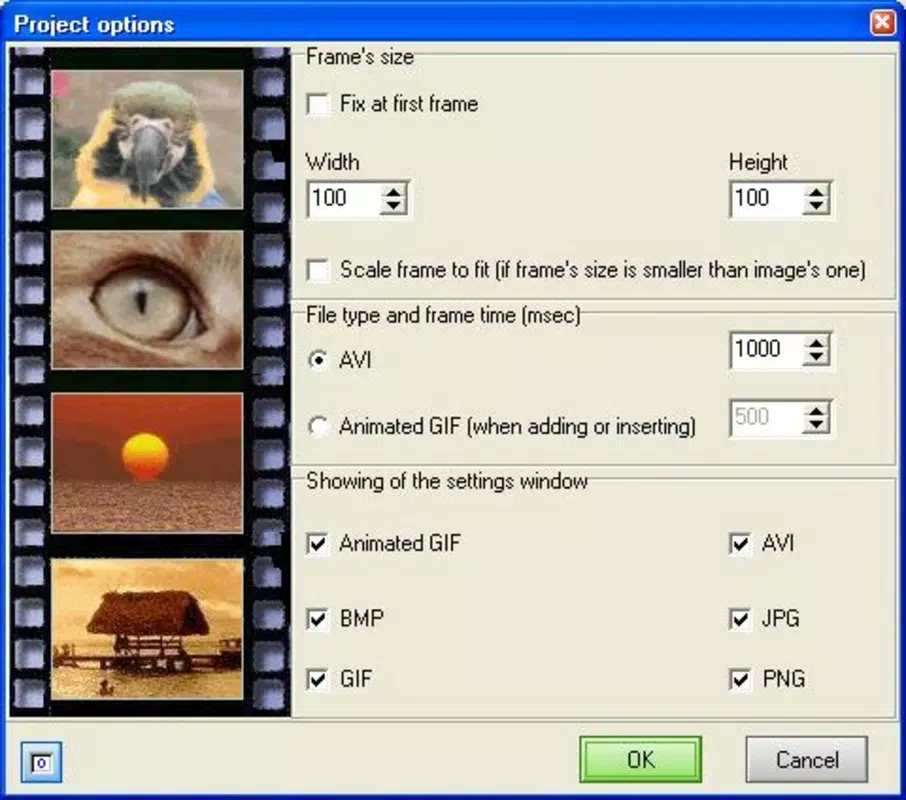
Atani is a Windows-based productivity utility designed to empower users with the ability to create animated GIFs and AVI files from a variety of image formats, including BMP, GIF, JPG, ICO, and PNG. The application serves as a lightweight yet functional tool for individuals seeking to generate short, dynamic visual content without the complexity of professional animation software. Its primary purpose is to simplify the process of transforming static images into animated sequences, making it suitable for both casual creators and professionals who require quick, efficient solutions.
Atani addresses the common challenge of limited animation tools on desktop platforms by offering a focused, no-frills approach to frame-by-frame editing. Users can assemble sequences from multiple images, adjust timing, and incorporate audio—features that enhance the expressive potential of their creations. The app is particularly valuable for content creators, educators, and social media users who need to produce engaging visual content with minimal effort.
Developed by Atani, the application was released on February 17, 2012, marking a niche entry in the Windows utility space. While the developer’s background is not publicly detailed beyond the app name, the consistent functionality and long-standing presence suggest a stable, dedicated project. Atani remains relevant in the current digital landscape as a specialized tool for visual content creation, especially for users who prioritize simplicity and direct control over their animations.
Key Features & Functionality
- Multiple Format Support: Atani accepts a wide range of image formats—BMP, GIF, JPG, ICO, and PNG—allowing users to import content from diverse sources without format conversion. This flexibility ensures that creators can work with files from various applications, including graphic design tools and web browsers.
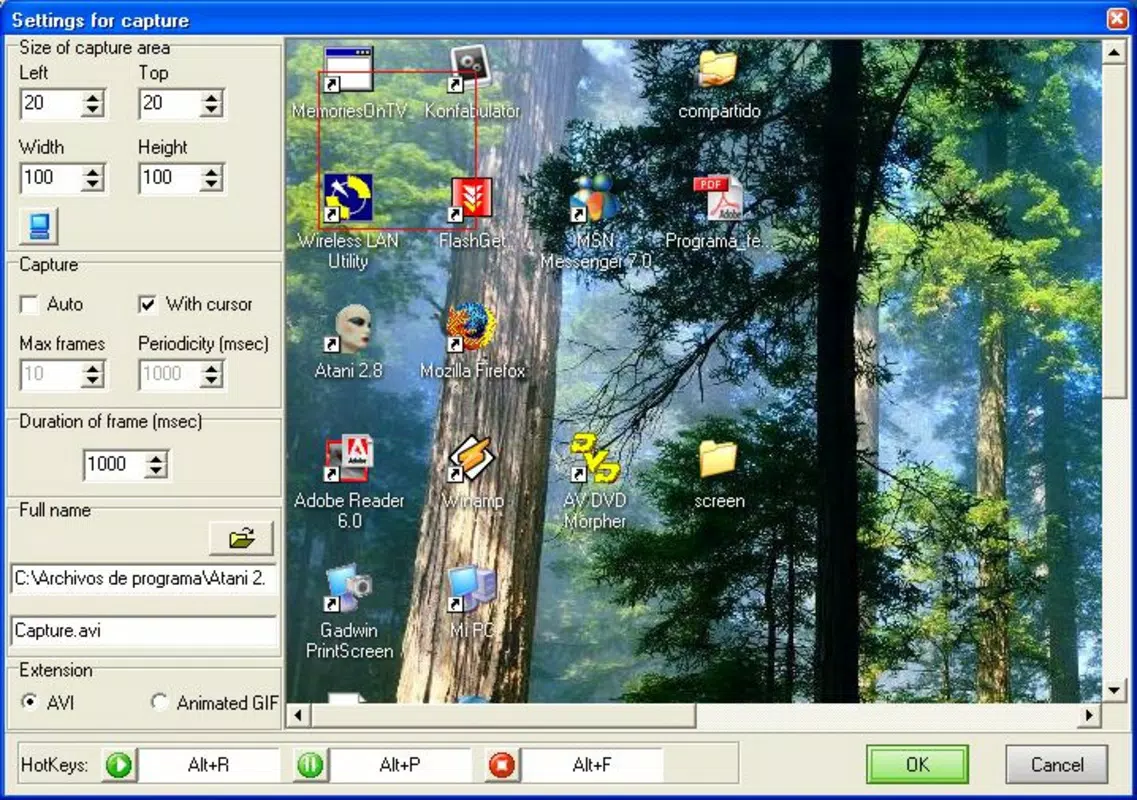
- Preview Options: The app includes a built-in GIF previewer compatible with Internet Explorer and an AVI previewer that leverages the user’s default multimedia player. These preview features enable real-time playback, allowing users to verify timing, transitions, and overall flow before finalizing their animation.
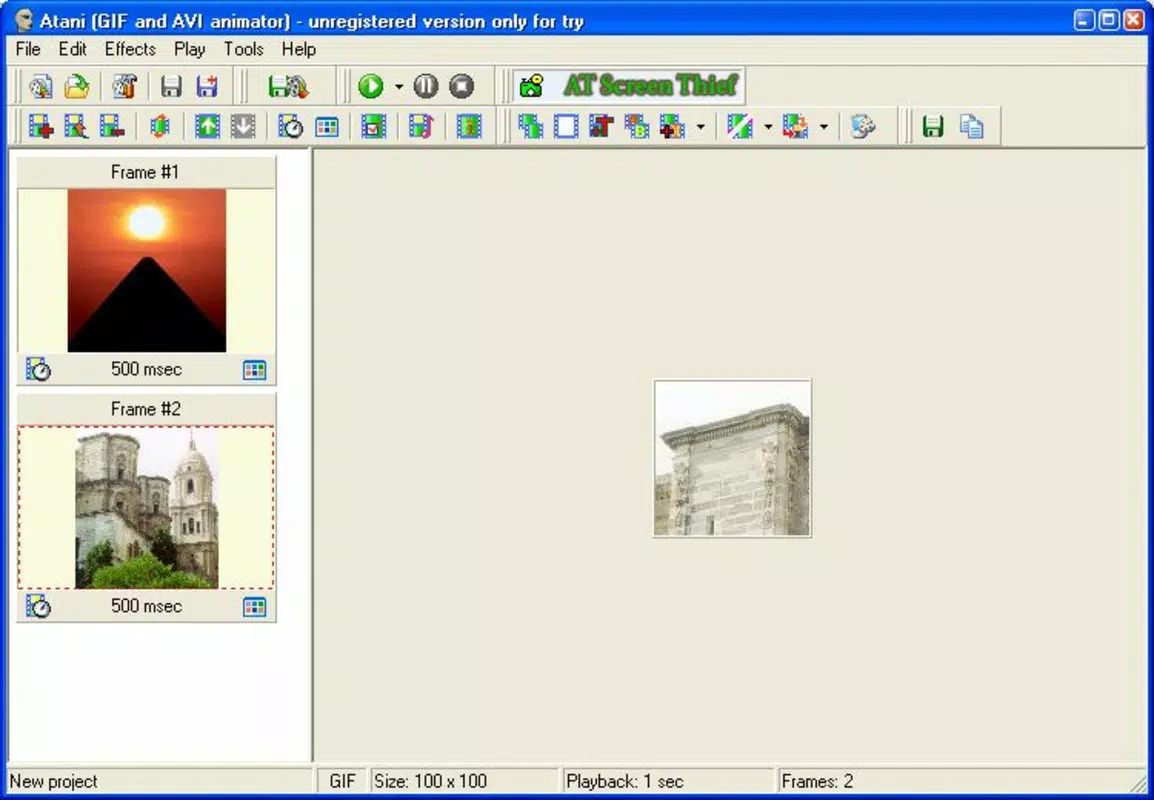
- Frame Editing Control: Users can individually edit each frame in their animation sequence, adjusting content, order, and timing. This granular control supports detailed customization, ideal for crafting smooth transitions or precise visual effects.
- Playback Speed Adjustment: The ability to modify playback speed gives users creative freedom to slow down or speed up animations, enhancing mood, emphasis, or storytelling impact in their output.
- Audio Integration: Atani supports MP3 and WAV audio files, enabling users to add soundtracks or voiceovers to their animations. This feature broadens the app’s utility beyond visual content, making it suitable for short explainer videos, interactive tutorials, or social media posts with synchronized audio.
For example, a teacher might use Atani to create a step-by-step animated diagram with voice narration, while a social media manager could generate a quick, attention-grabbing GIF with background music. The app’s straightforward workflow ensures that users can focus on creativity rather than technical complexity.
Interface, UX & Performance
Atani features a clean, no-nonsense interface that prioritizes functionality over visual flair. The layout is logically organized, with tools and controls grouped by purpose—file import, frame management, preview, and export settings. This design supports efficient navigation, allowing users to move seamlessly between stages of animation creation.
Navigation is straightforward, relying on standard Windows interaction patterns such as file dialogs and context menus. The app does not require extensive training, making it accessible to users with minimal experience in animation software. The interface remains responsive during editing, with minimal lag even when handling moderate frame counts.
Although the developer did not list formal performance metrics, the app’s small file size of 1.5 MB suggests a lightweight footprint. This implies efficient resource usage, which benefits users on older or low-spec systems. The application maintains stability during typical use cases, with no reported crashes or freezes in standard workflows.
Platform Compatibility & Technical Requirements
Atani is designed for the Windows operating system and is compatible with Windows platforms. The application’s version is 1.0, and it requires a file size of 1.5 MB for installation. The developer did not specify minimum OS requirements, nor did they provide information on compatibility with specific Windows versions such as Windows 7, 8, or 10.
Given the release date of February 17, 2012, it is likely that Atani was originally built for older Windows environments. However, its lightweight nature suggests it may still function on modern systems, though users should verify compatibility through testing. No additional system requirements were disclosed, such as RAM, processor speed, or graphics capabilities.
Pros and Cons
Pros
- Supports multiple image formats for flexible input.
- Includes real-time GIF and AVI preview capabilities.
- Offers precise frame-by-frame editing and playback speed control.
- Enables audio integration with MP3 and WAV files.
- Lightweight design with a small file size of 1.5 MB.
- Intuitive interface suitable for users of all experience levels.
Cons
- Not available for mobile platforms such as Android or iOS.
- Only supports Windows operating systems.
- No information on compatibility with modern Windows versions.
- Limited to GIF and AVI output formats.
- No cloud sync or project sharing features.
- Price of $10.00 may be considered high for a niche utility with minimal updates.
FAQ
Is Atani available for Android or iOS?
No, Atani is currently only available for Windows. The developer has not released versions for mobile platforms.
Can I use Atani to add sound to my GIFs?
Yes, Atani allows users to add audio from MP3 and WAV files to their animations, enabling synchronized sound with visual content.
What image formats does Atani support?
Atani supports BMP, GIF, JPG, ICO, and PNG image formats for importing into animations.
Does Atani require a powerful computer to run?
Given its file size of 1.5 MB and lack of reported performance issues, Atani is designed to run efficiently on systems with modest hardware. No specific system requirements were provided.
Is Atani safe to download and install?
Atani is a legitimate Windows utility developed by its namesake. As with any software, users should download from trusted sources to ensure security and avoid modified versions.
Final Thoughts
Atani stands out as a focused, efficient tool for users who need to create animated GIFs and AVI files on Windows without the overhead of complex animation suites. Its ability to handle multiple image formats, support frame-level editing, and integrate audio makes it a versatile utility for both casual and professional use. While its age and lack of modern updates are notable limitations, the app remains functional and valuable for its intended purpose.
For educators, content creators, and anyone working with visual storytelling on Windows, Atani offers a reliable, low-barrier entry into animation. Its intuitive interface and straightforward workflow ensure that time is spent on creativity, not technical hurdles. Despite its niche market, the app delivers consistent value in a compact package.
Download Atani now


